

Available Integrations
StatusPage.one lets you attach notification channels directly to a monitor. Each integration type has a slightly different setup form depending on the destination, credential, or endpoint it needs.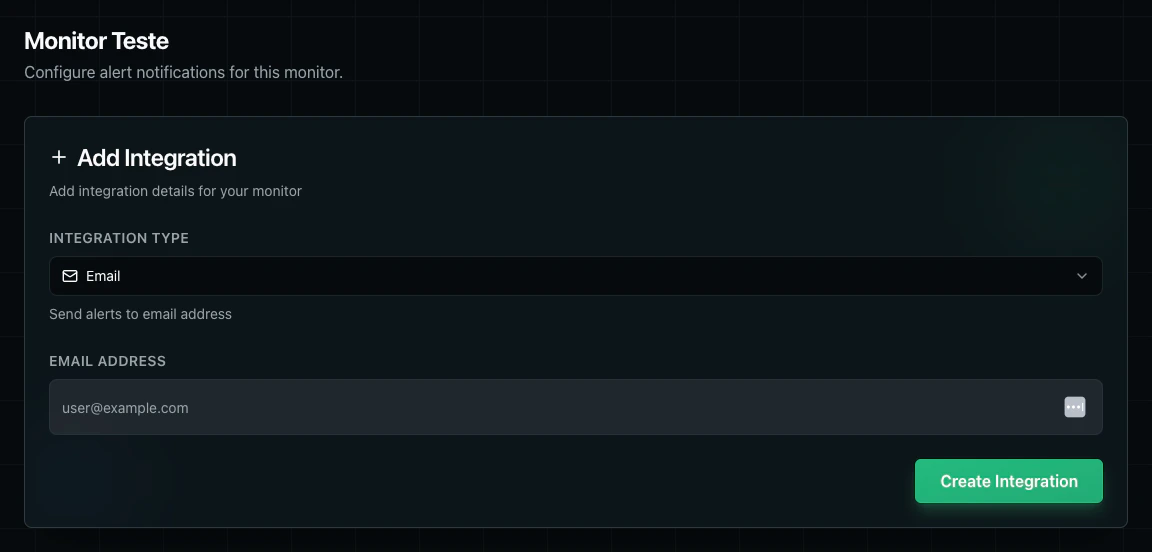
Email Address that should receive monitor alerts.
Setup:
- Open the monitor’s Alerts screen.
- Click
Add Integration. - Select
Emailas the integration type. - Enter the destination email address.
- Click
Create Integration.
SMS
SMS integrations send alert messages to a phone number in international format.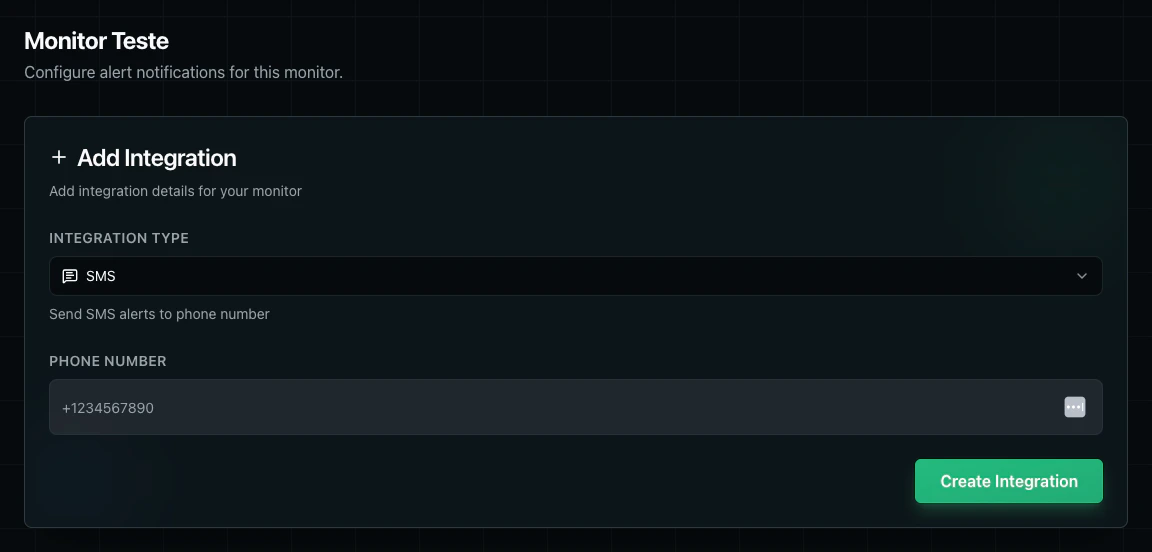
Phone Number with country code, such as +1234567890.
Setup:
- Open the monitor’s Alerts screen.
- Click
Add Integration. - Select
SMS. - Enter the destination phone number with country code.
- Click
Create Integration.
Slack
Slack integrations send monitor alerts to a Slack webhook, with an optional channel override.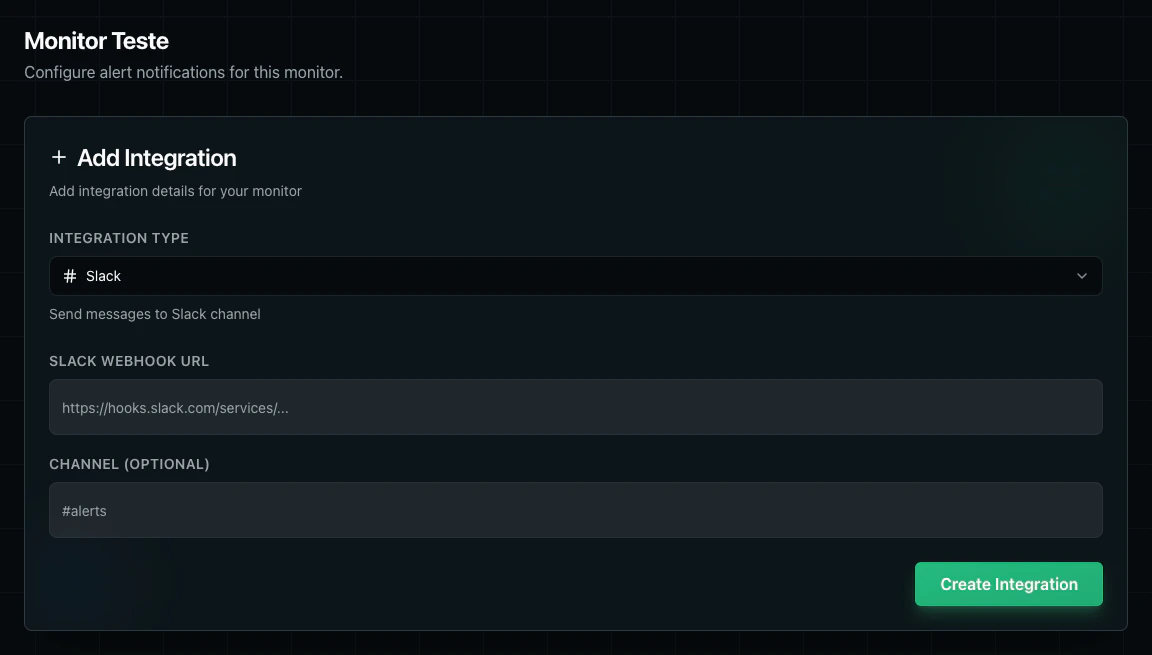
- A
Slack Webhook URL - An optional
Channelsuch as#alerts
- Create an incoming webhook in Slack.
- Open the monitor’s Alerts screen in StatusPage.one.
- Click
Add Integration. - Select
Slack. - Paste the Slack webhook URL.
- Optionally enter a channel override.
- Click
Create Integration.
Discord
Discord integrations deliver monitor alerts to a Discord channel through a webhook URL.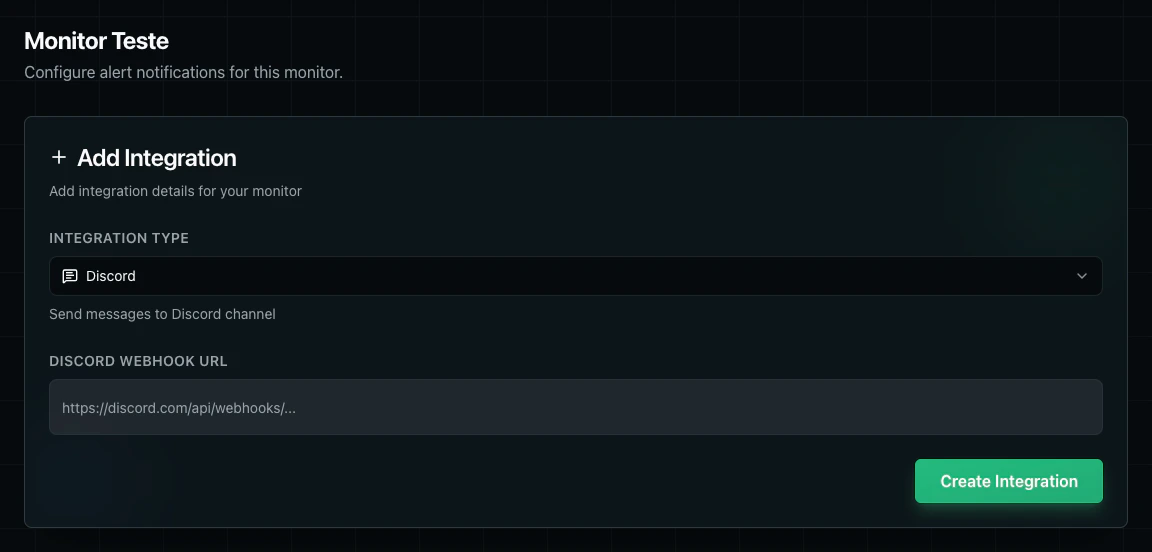
Discord Webhook URL.
Setup:
- Create a webhook in your Discord server.
- Open the monitor’s Alerts screen.
- Click
Add Integration. - Select
Discord. - Paste the Discord webhook URL.
- Click
Create Integration.
Telegram
Telegram integrations send monitor alerts through a Telegram bot to a specific chat.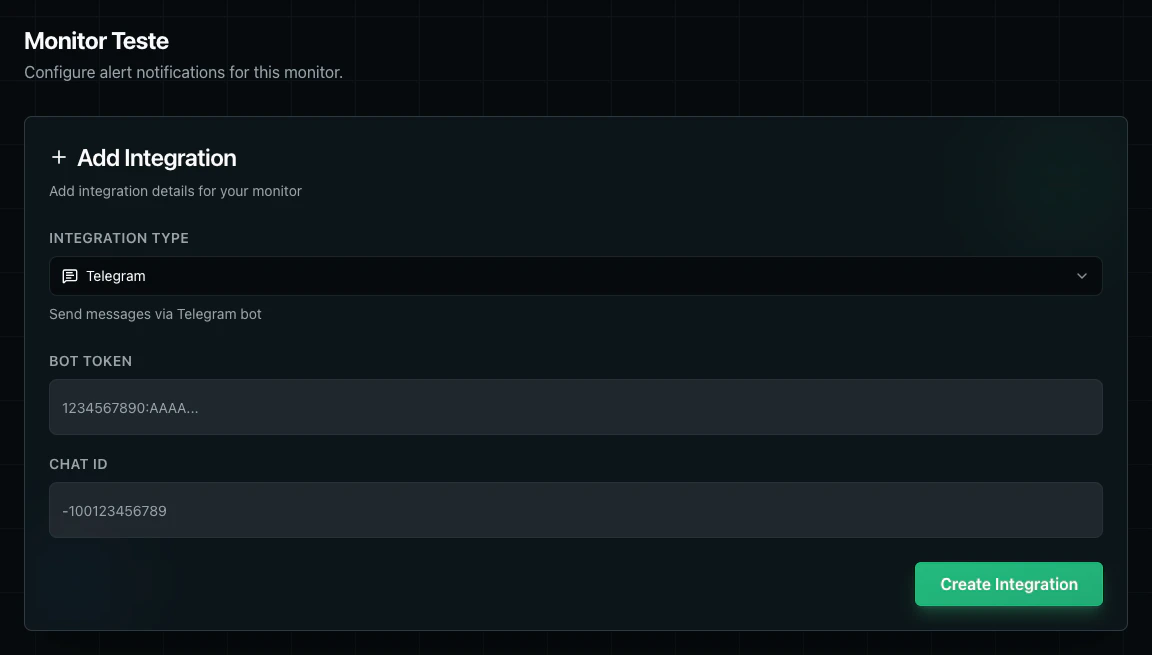
- A Telegram
Bot Token - A destination
Chat ID
- Create or choose a Telegram bot and copy its bot token.
- Identify the target chat ID for the user, group, or channel that should receive alerts.
- Open the monitor’s Alerts screen.
- Click
Add Integration. - Select
Telegram. - Enter the bot token and chat ID.
- Click
Create Integration.
Webhook Integration
Webhook integrations send HTTP requests to your own endpoint when the monitor triggers an alert notification.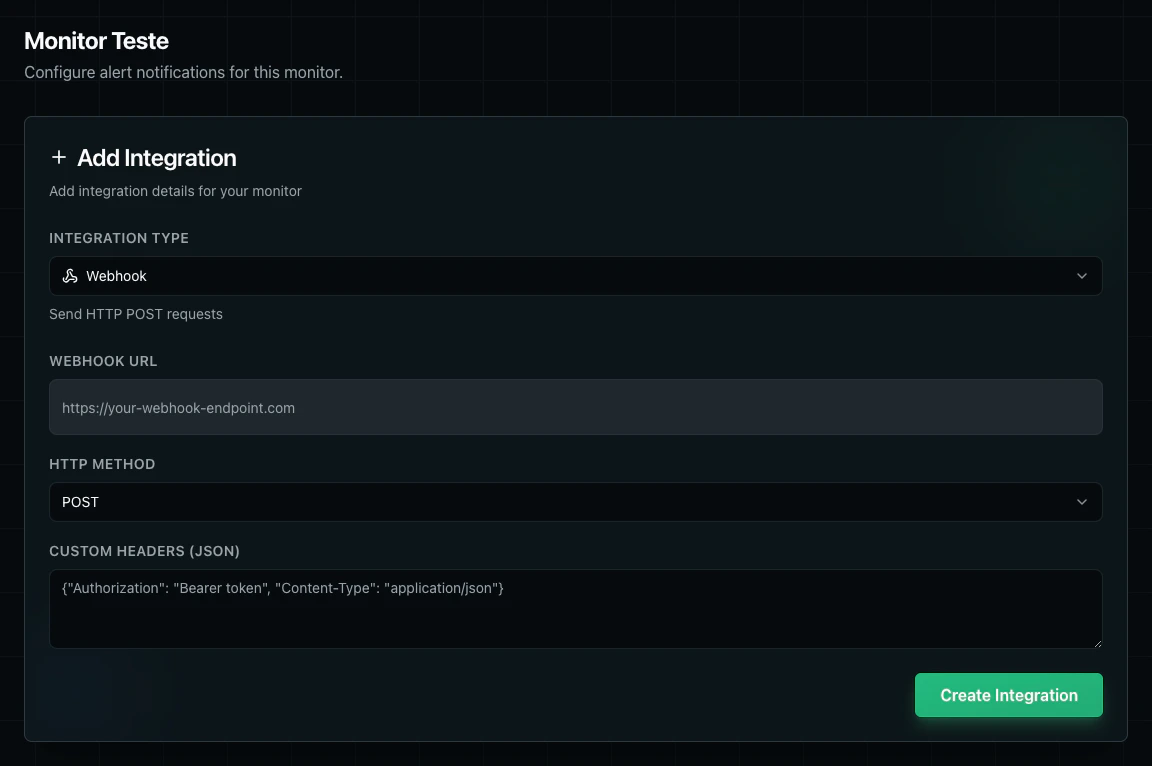
- A
Webhook URL - An
HTTP Method - Optional
Custom Headers (JSON)
- Open the monitor’s Alerts screen.
- Click
Add Integration. - Select
Webhook. - Enter the destination webhook URL.
- Choose the HTTP method.
- Optionally add custom headers as JSON.
- Click
Create Integration.
Webhook Request Format
Webhook notifications are sent withContent-Type: application/json. The default User-Agent is StatusPageOne-Monitor/1.0. If you configure custom headers in the integration, they are added to the outgoing request.
Webhook Payload
This is the exact JSON payload shape StatusPage.one sends today:Payload Fields
event_type: Alwaysmonitor_alertfor webhook integrations.monitor.id: Internal monitor ID.monitor.name: Monitor name shown in the dashboard.monitor.url: Target URL configured on the monitor.monitor.status: Current check status, such asUPorDOWN.check_result.status: Current result for the alerting check.check_result.timestamp: RFC 3339 timestamp for when the check was performed.check_result.region: Region where the check ran.check_result.error_message: Present when the check fails with an error.check_result.response_time_ms: Present when a response time is available.check_result.status_code: Present when an HTTP status code is available.context.consecutive_failures: Number of consecutive failed checks at the time of the alert.context.previous_status: Previous known monitor status before this alert.
Next Steps
Alert Rules
Manage organization-wide alerts
Monitor Alerts
Configure monitor-specific alerts